The volunteer starts OBS once.
The broadcasts are made
Publishing the bulletin schedules both YouTube broadcasts, with titles, descriptions and thumbnails drawn from the Sabbath's own words.
Start OBS and leave it
The stream goes to Sabbath School, then to worship at its time. End Sabbath School early and viewers see a please-wait card until worship begins.
The recording is kept
Trim the start and the end, and it is on the church's own site beside past services.
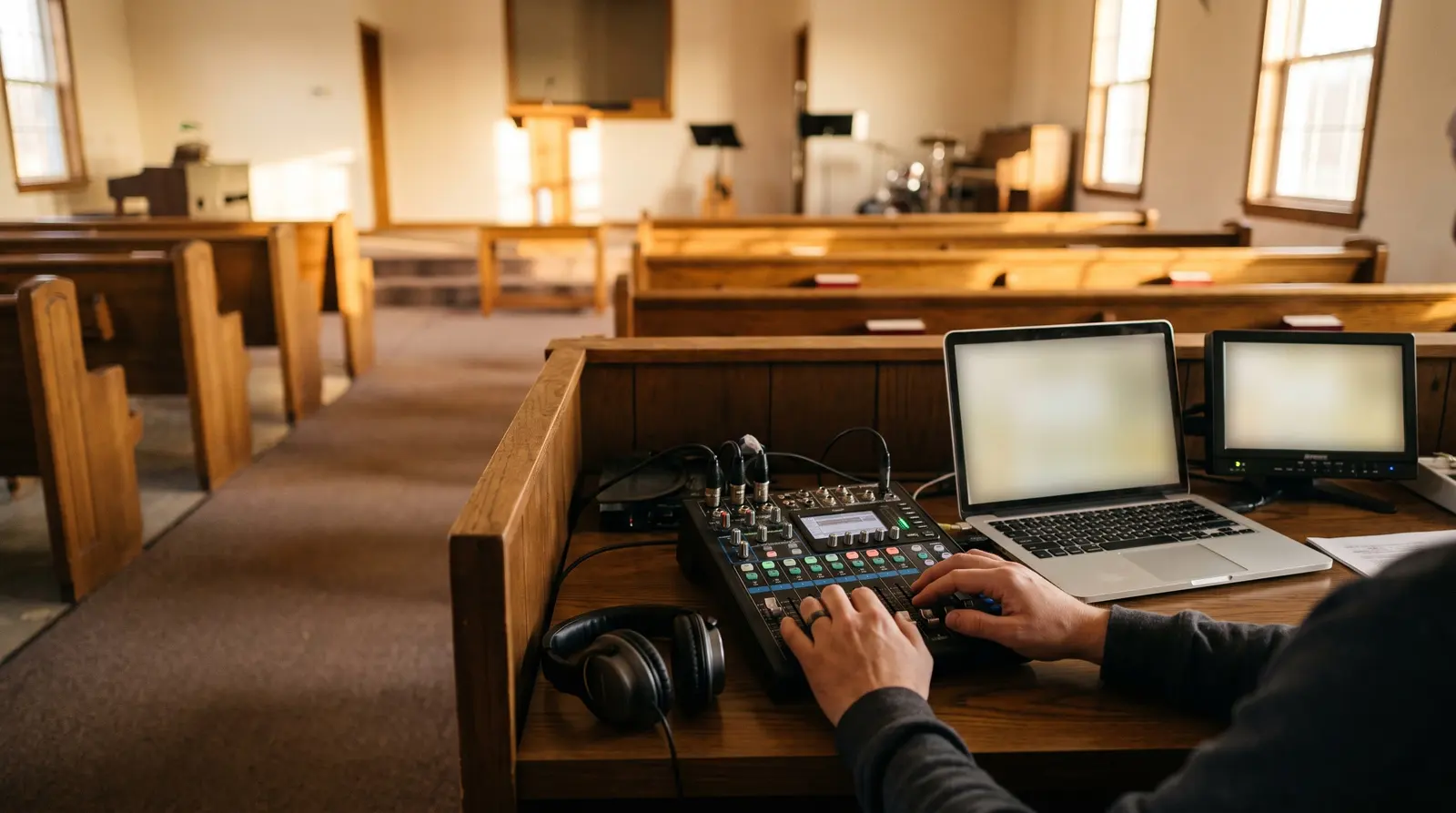
The desk, the home, the foyer.
- The volunteer at the deskOne page: what is coming from OBS, what is on air, where it is going. One button ends the stream everywhere, and names what it will end.
- The family at homeThey watch on the church's own page or on YouTube, with captions in step with the picture.
- The foyer and the sanctuaryScreens loop the day's notices before the service, and a notice can go up on every screen at once.
Built for a Sabbath that does not go to plan.
Checked against YouTube
The desk reads what YouTube itself says about each broadcast, and makes a dead one again in the middle of a service.
A copyright block
Cover the picture and soften the sound for a song you may not stream, on YouTube, on your own site, or both.
Song credits by themselves
A song's credit and your licence number appear on the stream when ProPresenter reaches the song.
Lower thirds
The speaker's name or the reading goes up from the order of service, by hand or as ProPresenter moves.
Sent on to other places
The same stream copied to Facebook, or to any other destination you name.
Past services
Public recordings listed on the church's site, each under its sermon's title.
Foyer screens
A loop of the published bulletin: the Sabbath, its notices, the calendar, the prayer list and last week's pictures.
Captions with nobody at a desk
The stream can caption itself from its own sound, and wait while the congregation sings.